
GAME TOPIC
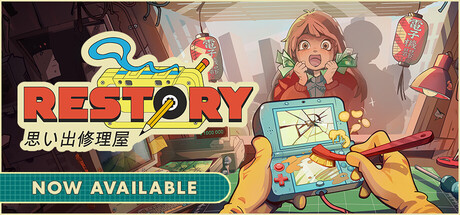
ReStory — Release, Platforms, and Overview
Read the work order first, repair only what the customer requested, reassemble completely, then pack the device for collection.
EXPLORE THIS GAME
Overview and every live, source-checked section.
Introduction, guides, reviews, updates, and support appear here only when the topic has real content for them.
GAME INTRODUCTION
What to know before you play
ReStory is a work-order game before it is a parts-shopping game. On the first day, read the customer's request before removing components. Clean, inspect, or replace only what the job requires, put every part back, then pack the finished device. A repair that looks clean can still be incomplete when a small panel or requested task was missed.
The official Steam listing confirms the wider loop: customers bring devices in person or place online orders, the in-game browser supplies replacement parts, and conversations can change later story outcomes. Licensed Atari hardware appears alongside fictional mid-2000s electronics. None of that changes the safest opening rule: finish the visible job before spending money on speculative inventory.
Use the ReStory first day guide for the complete order of operations, the spare parts and online orders guide before buying a replacement, and the ReStory system requirements before installing on Windows or an Apple-silicon Mac. Device-specific parts still require release-build verification; this site does not guess component lists, prices, or profit margins.
Before accepting the next device, confirm that the previous repair has been fully reassembled and packed; an unfinished handoff can hide the real workflow mistake.
Sources & evidenceOpen the references used for this page
OFFICIAL SOURCE MEDIA
See the loop—not another copy of the cover.
Each image comes from a publisher or platform-holder source and is selected to explain a different part of the game.

Official Steam image showing the current published game presentation.Official media · source listed with the page evidence
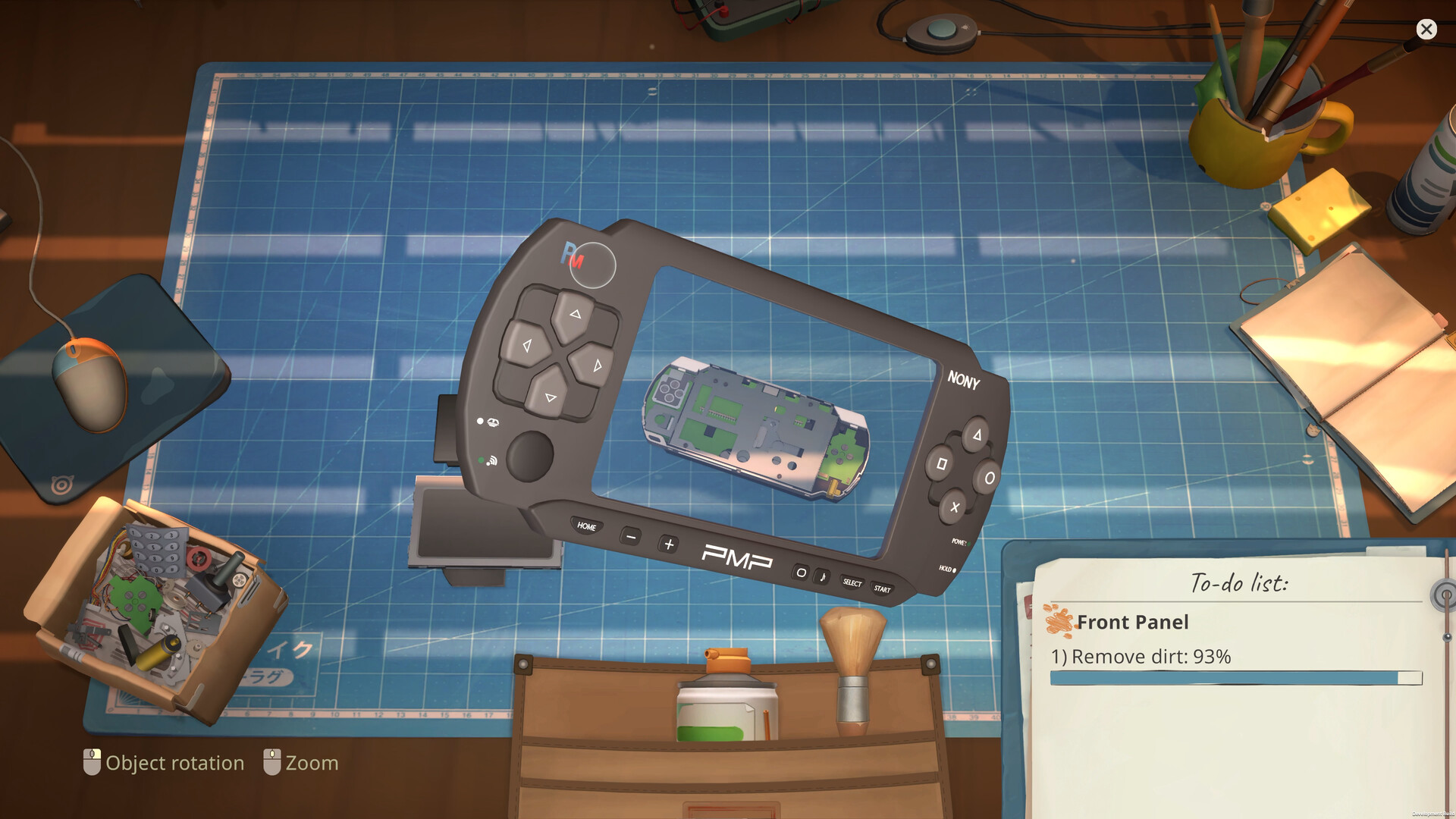
Official Steam image showing the current published game presentation.Official media · source listed with the page evidence
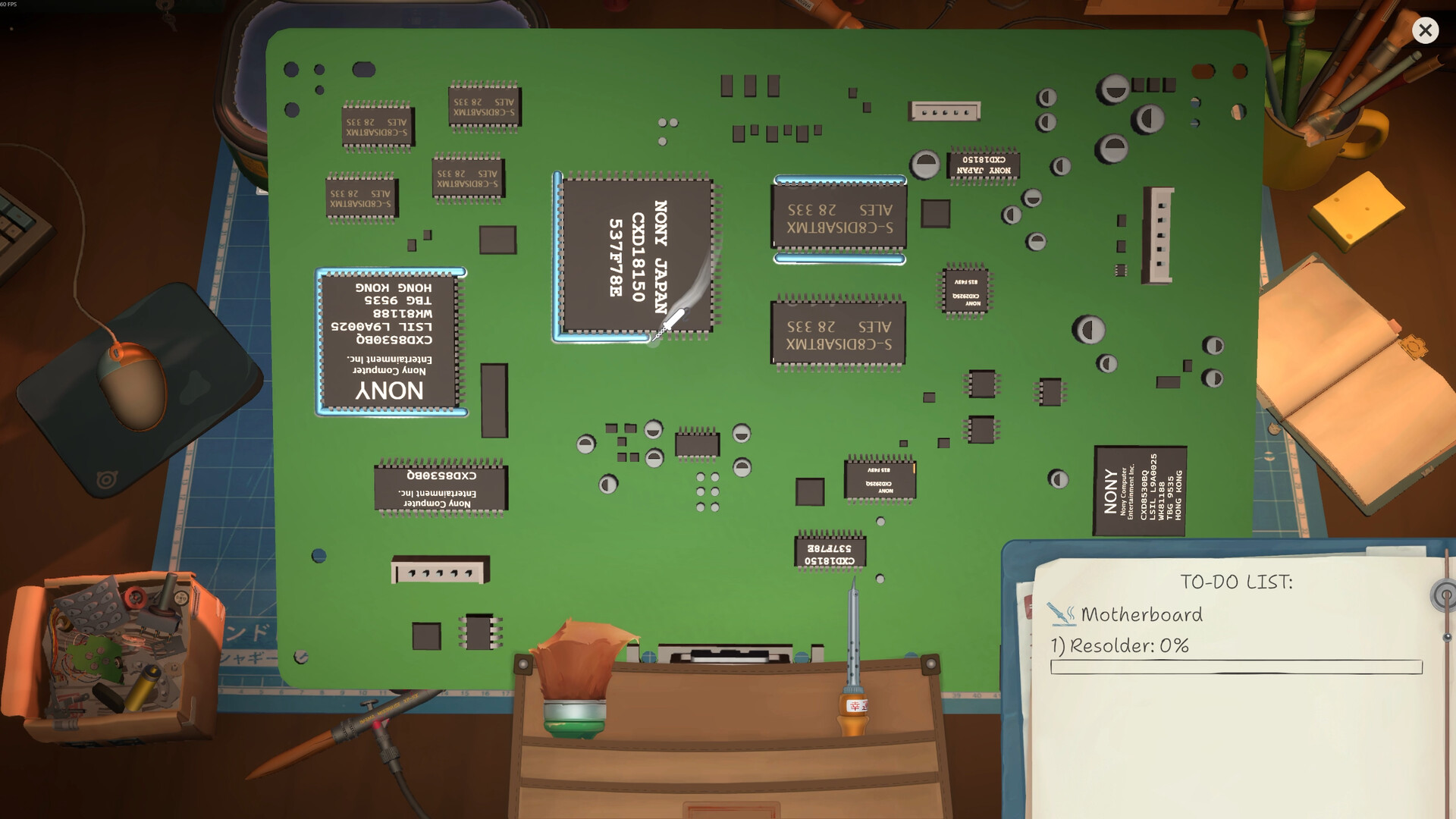
Official Steam image showing the current published game presentation.Official media · source listed with the page evidence
OFFICIAL VIDEO
See the game in motion.
This developer or storefront-listed media shows the current game. It is source material, not independent review footage.
YOUTUBE & COMMUNITY
Go to the source when the answer is still moving.
Official channels establish announcements. Forum threads show current player problems and reports—not developer-confirmed mechanics.
HELP MAINTAIN THIS TOPIC
Ask for coverage—or report something outdated.
Send the game, platform, version, and exact question. Reader feedback guides the next verified page; it is not counted as a player review.