
GAME TOPIC
Kinny and the Cosmic Cauldron — Release, Platforms, and Overview
A current guide to the released cosmic cooking roguelike, including its run scale, scoring loop, deck consistency, upgrades, and relic decisions.

EXPLORE THIS GAME
Overview and every live, source-checked section.
Introduction, guides, reviews, updates, and support appear here only when the topic has real content for them.
GAME INTRODUCTION
What to know before you play

Kinny and the Cosmic Cauldron is out now on Steam for Windows and macOS. The current US price is $12.99, and the useful beginner rule is to build around one repeatable interaction instead of collecting every interesting ingredient. Ingredients score through collisions and their own properties, while relics and cauldron upgrades alter how reliably that interaction happens.
The scale is much larger than the old demo-era description suggested. The developer's launch overview lists 261 ingredients, 110 cosmic artifacts, more than 50 deck archetypes, 40 customers, 10+ elite bosses, four difficulty settings, and runs of about 30 minutes. The official store currently shows a July 27, 2026 release and a $12.99 US price.
How a run actually scores
A current player-authored Steam guide records three parts of a dish: collision score, extra score created by ingredient properties, and a reward after the ingredients settle. It also records a 20-ingredient drop limit for a dish in the current build. That limit makes deck consistency practical, not theoretical: an unrelated ingredient can replace the trigger or payoff piece you needed to draw.
The same guide identifies four recurring ways ingredients create more contacts: rotation, attraction, repulsion, and explosions. These are community observations rather than an official tier list, but they give every reward screen a useful test: does the offered ingredient start movement, benefit from movement, or score when the resulting collision, transformation, or destruction occurs?
The build rule that prevents deck bloat
Keep one scoring chain readable. A functioning chain has three jobs:
- A trigger creates motion, a collision, a transformation, or a destruction.
- A target benefits when that trigger happens.
- A payoff converts the repeated event into enough score for the current customer.
Before taking a new ingredient, say which of those jobs it fills. If it fills none, skip it unless the current deck cannot meet the next score target. This is especially important as metaprogression unlocks more ingredients and expands the reward pool; current player reviews note that later unlocks can make a narrow build harder to assemble.
Choose relics by frequency, not rarity
The best-looking relic is not automatically the best relic for the current cauldron. Count which event your dish creates most often—collision, rotation, transformation, destruction, or same-family contact—then prefer a relic whose text rewards that event. A smaller bonus that triggers repeatedly can contribute more than a dramatic effect your deck rarely activates.
Cauldron expansions are rewards for reaching score targets quickly, according to the official store. More room can help a contact-heavy setup keep moving, but it does not repair a deck with no trigger-to-payoff chain. Fix the build first; use the expansion to make an already-working interaction more reliable.
Start with this route
For the opening dishes, choose one movement effect and one ingredient family that benefits from it. Add a second copy or supporting effect before branching into another family. At each reward, compare the offer with the current trigger, target, and payoff. After a failed customer, change the weakest link rather than rebuilding all three at once.
The Kinny and the Cosmic Cauldron beginner guide turns that rule into a dish-by-dish checklist and explains current community-tested chicken, salt, and seafood patterns without presenting them as guaranteed tier rankings. Use the full game name in links and searches: shortening it to “Kinny” can collide with unrelated results and weakens the page-to-query match.
Sources & evidenceOpen the references used for this page
OFFICIAL SOURCE MEDIA
See the loop—not another copy of the cover.
Each image comes from a publisher or platform-holder source and is selected to explain a different part of the game.

Official Steam image showing the current published game presentation.Official media · source listed with the page evidence
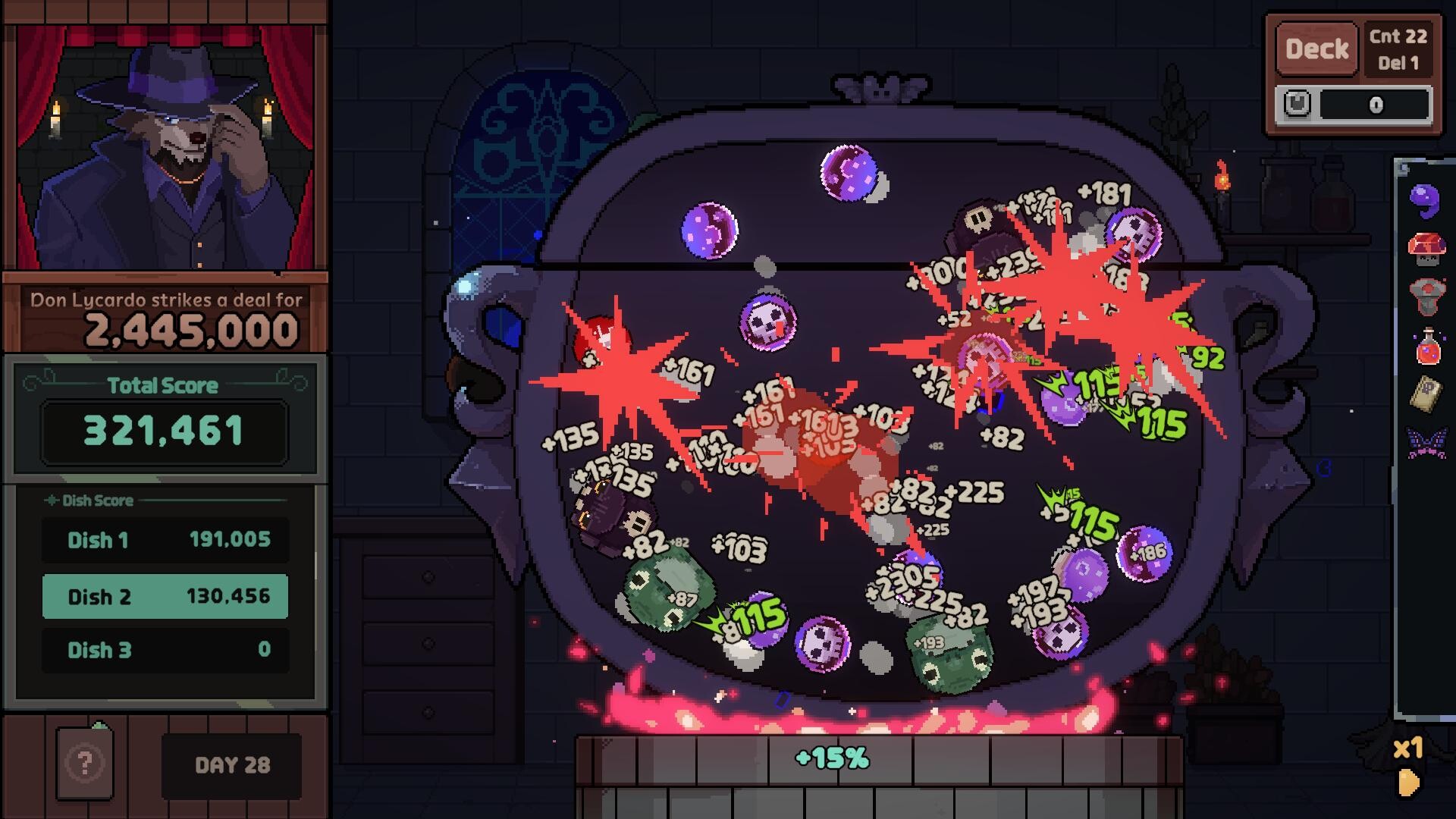
Official Steam image showing the current published game presentation.Official media · source listed with the page evidence
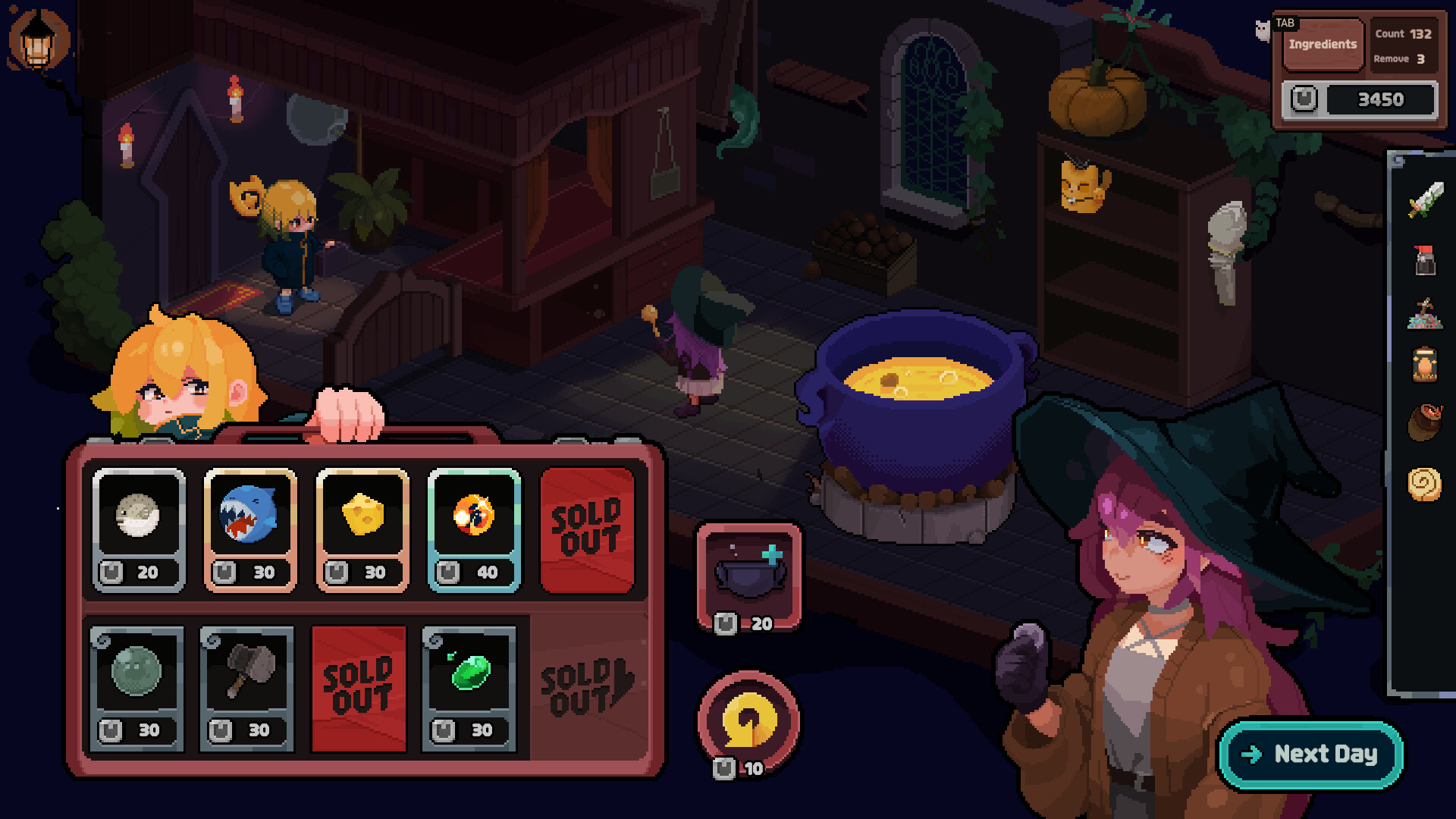
Official Steam image showing the current published game presentation.Official media · source listed with the page evidence
OFFICIAL VIDEO
See the game in motion.
This developer or storefront-listed media shows the current game. It is source material, not independent review footage.
YOUTUBE & COMMUNITY
Go to the source when the answer is still moving.
Official channels establish announcements. Forum threads show current player problems and reports—not developer-confirmed mechanics.
HELP MAINTAIN THIS TOPIC
Ask for coverage—or report something outdated.
Send the game, platform, version, and exact question. Reader feedback guides the next verified page; it is not counted as a player review.