
GAME TOPIC
Fortnite — Download, Override, Sprites, Refunds, and Status
Fortnite is a free, cross-platform ecosystem from Epic Games; start with the official download route, current Override update, or an exact support answer.
EXPLORE THIS GAME
Overview and every live, source-checked section.
Introduction, guides, reviews, updates, and support appear here only when the topic has real content for them.
GAME INTRODUCTION
What to know before you play
Fortnite is a free, cross-platform game ecosystem from Epic Games. Its current Battle Royale season is Chapter 7 Season 4: Override, released August 20, 2026. This page is the permanent entry point; season mechanics, outages and support fixes live on separate dated pages so an old answer does not masquerade as current advice.
Choose the answer you need
- To install safely in the United States, use the official Fortnite download routes for PC, iPhone, Android, and Mac.
- If login, matchmaking or parties fail, use the Fortnite server status check.
- Before installing on Windows, compare the official Fortnite PC requirements.
- If teammates cannot hear you, follow the Fortnite voice chat decision tree.
- If friends on another platform cannot join, use Fortnite crossplay settings and party fixes.
- For the current Battle Royale rules, read Override Consoles, Squad Overrides and Loot Hacks.
- For current lobby rewards, use the dated Fortnite Admin Panel codes and keep them separate from island Cheat Codes.
- To understand collection persistence and the current garden, read Fortnite Sprites: extract, collect, abilities, and Sprite Garden.
- For an accidental Item Shop purchase, use the Fortnite skin refund and Return Ticket guide.
What Fortnite includes now
Fortnite is no longer one mode. Epic's public status page tracks Battle Royale services alongside Fortnite Crew, LEGO Fortnite, Fortnite Festival and Rocket Racing. The main Fortnite site also surfaces experiences made by Epic and by creators. A problem in one mode does not prove that every Fortnite service is unavailable.
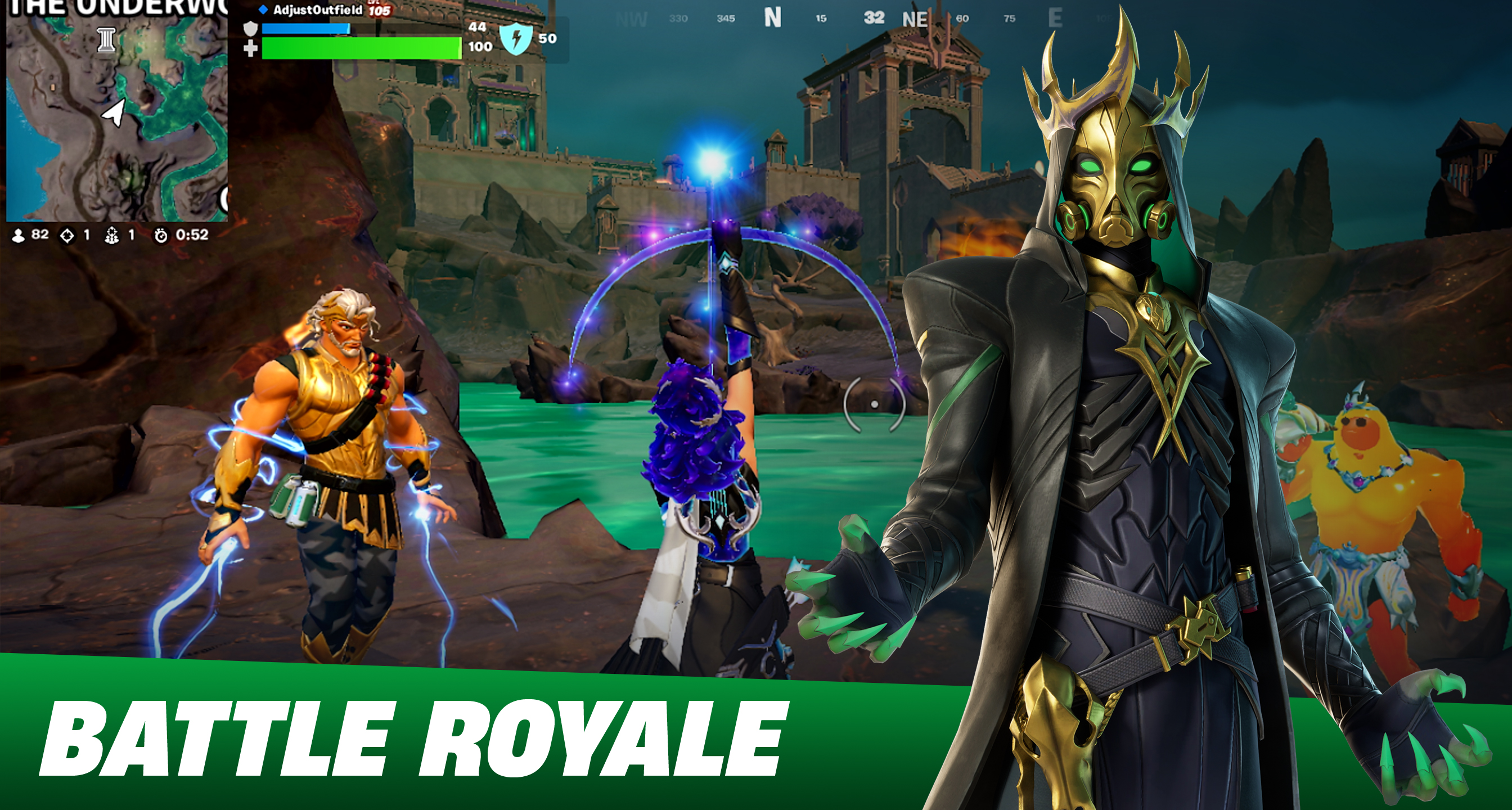
The current Battle Royale season, Override, changes match rules through map consoles and adds squad-only variants, Sprite collection, Loot Hacks and crossover equipment. Those are season-specific systems. The permanent facts are the Epic account, cross-platform service and changing set of experiences; current items and balance belong to dated update coverage.
Platforms and download boundary
Epic provides official Fortnite download paths for Windows, PlayStation, Xbox, Nintendo and supported mobile devices. Availability can differ by device, operating-system version and region, especially on mobile. The US download page separates the App Store, Google Play, Epic Games Store and Mac cloud-gaming routes rather than sending readers to APK mirrors or regional instructions that do not apply.
On PC, Fortnite requires native Windows. Epic says Parallels, Linux, virtual machines and other non-native operating systems are unsupported. The PC requirements page separates minimum, recommended and Epic-quality targets.
Why this coverage starts with support and exact answers
Fortnite changes too quickly for a generic “complete guide” to stay honest. The useful starting points are questions with a current official answer: whether services are operational, whether a PC meets the published requirements, which voice-chat branch is failing, and what the newest season mechanic actually does.
Map routes, weapon rankings and quest steps should be published only for a named mode and version with current gameplay evidence. They are not inferred from Epic's marketing page. The Admin Panel page follows the same rule: Epic verifies the code system, while exact rewards are labeled as independently corroborated and date-sensitive.
Fortnite's shared account and party services connect several platforms, but the controls and available store path still depend on the device. Check Epic's current download page before assuming that one mobile installation method applies worldwide.
Sources & evidenceOpen the references used for this page
OFFICIAL SOURCE MEDIA
See the loop—not another copy of the cover.
Each image comes from a publisher or platform-holder source and is selected to explain a different part of the game.
Battle Royale remains one part of the broader Fortnite ecosystem; live modes and seasonal rules can change independently.Official media · source listed with the page evidence
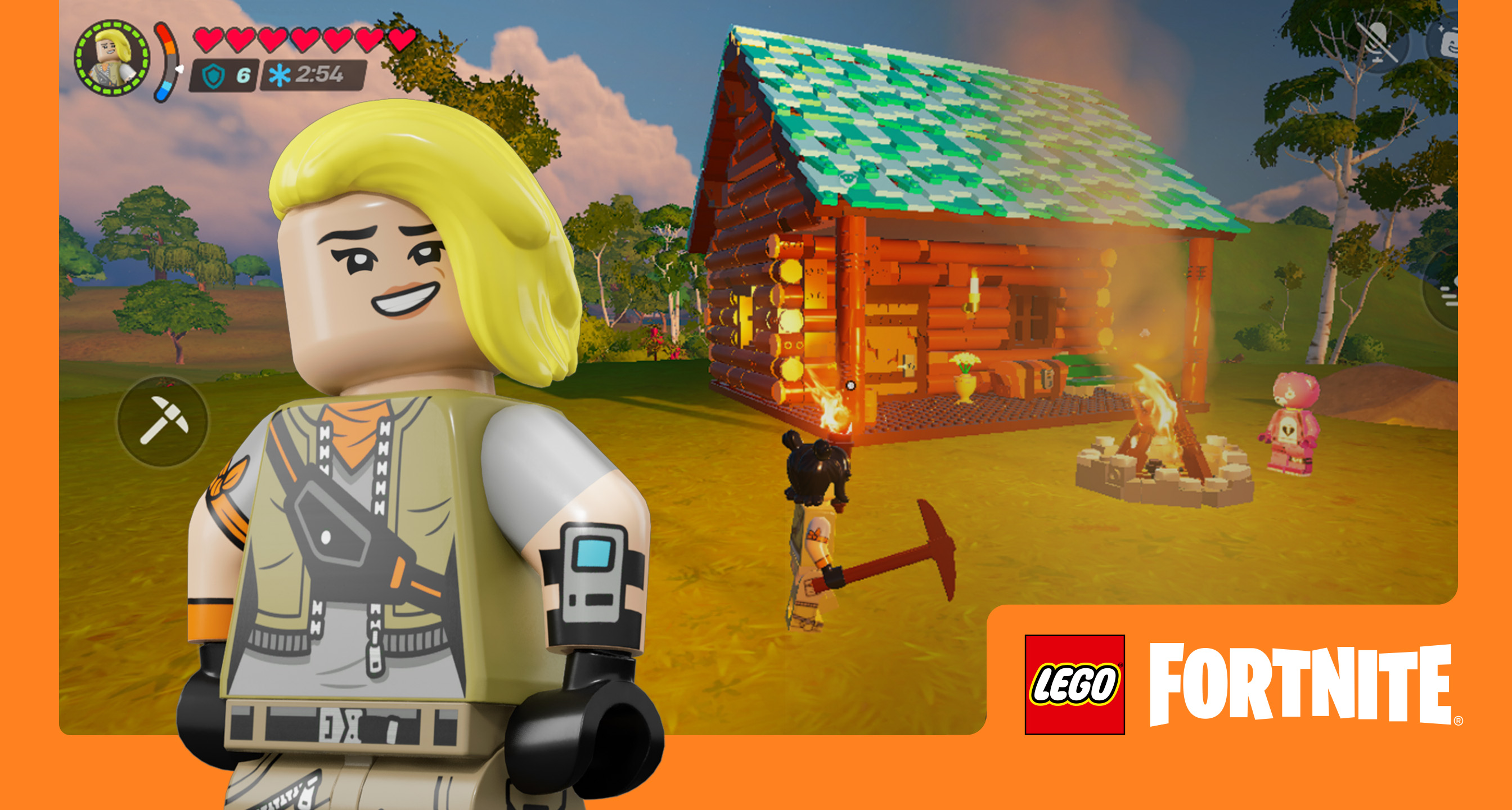
Epic distributes Fortnite across PC, console and supported mobile devices, but device and regional availability must be checked on the official download page.Official media · source listed with the page evidence
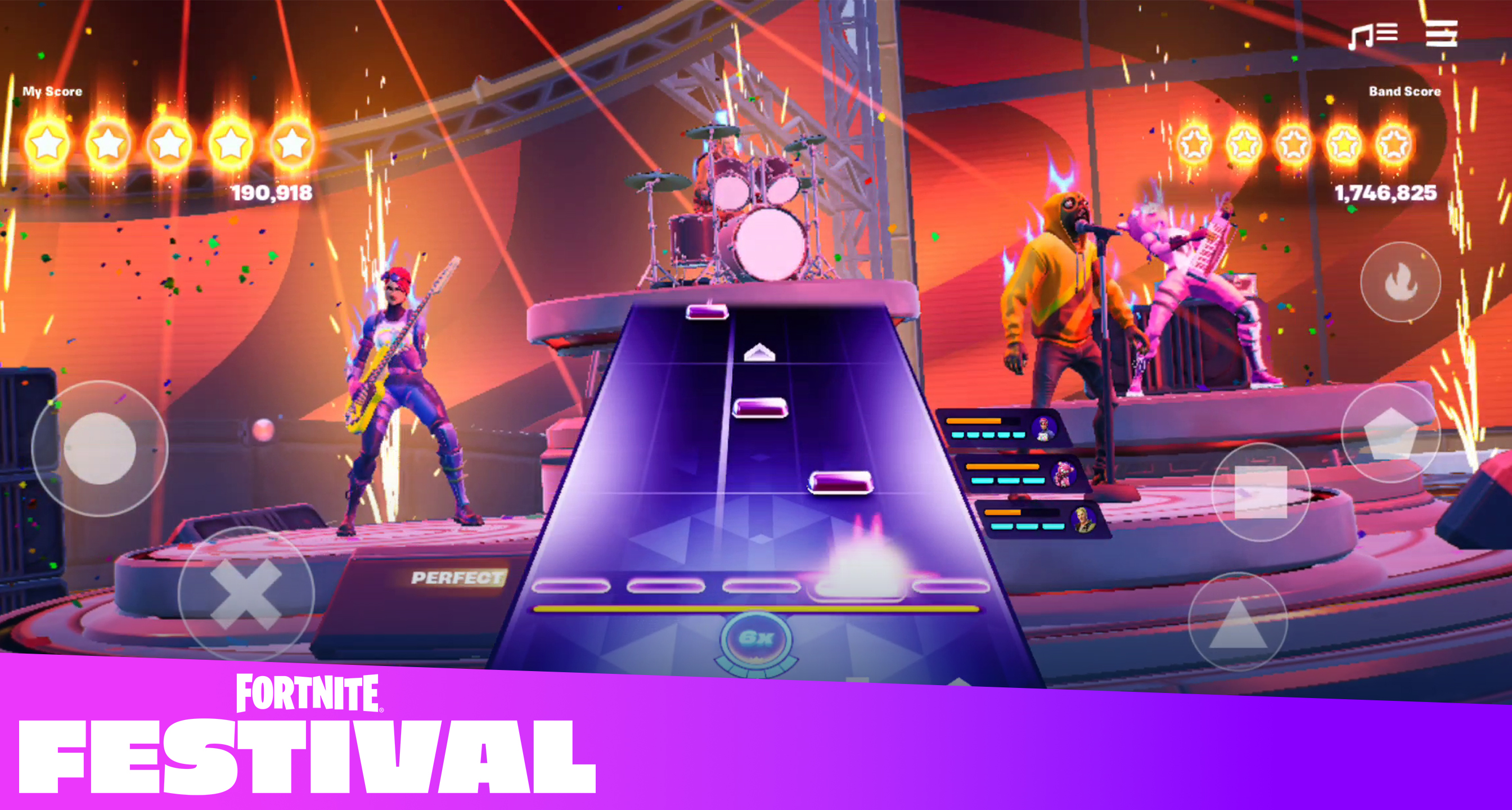
Cross-platform play makes account, party, voice and service status separate checks when a session fails.Official media · source listed with the page evidence
OFFICIAL YOUTUBE
Fortnite Battle Royale - Gameplay Trailer (Play Free Now!)
This developer-published video shows the game in motion. It is source material, not an independent verdict.
Open on YouTube ↗YOUTUBE & COMMUNITY
Go to the source when the answer is still moving.
Official channels establish announcements. Forum threads show current player problems and reports—not developer-confirmed mechanics.
Epic's current known-issues board, used before treating an account or device problem as local.
Open resource ↗FORUM · CHECKED 2026-08-23Official Fortnite DiscordThe official community channel linked by Epic for announcements and player discussion; do not treat individual posts as patch notes.
Open resource ↗HELP MAINTAIN THIS TOPIC
Ask for coverage—or report something outdated.
Send the game, platform, version, and exact question. Reader feedback guides the next verified page; it is not counted as a player review.